PocketTracker’s established workflow
The tracker, sampler, sample editor, mixer, export tools and handheld button workflow come from the upstream project. TrackWerk keeps that musical foundation and credits its original developers.
 TrackWerk
Kid Bunka / Handheld audio lab
A fragment from an archive. A drum from your collection. A sound you have never heard before. Turn it into a track with TrackWerk.
An independent fork of PocketTracker by conanizer and contributors.
ORIGIN / OPEN SOURCE
TrackWerk is an independent GPL-3.0-or-later fork of PocketTracker by conanizer and contributors. Their work is the foundation of this project, and its authorship remains visible.
The tracker, sampler, sample editor, mixer, export tools and handheld button workflow come from the upstream project. TrackWerk keeps that musical foundation and credits its original developers.
This fork develops the expanded Studio, synthesis presets, performance banks, archive-to-sample workflow, Drumlab, visual identity, typefaces and handheld fixes described here. TrackWerk is maintained separately, with its own name, artwork and public Android identity.
Selected synthesis and effect algorithms are adapted from Mutable Instruments’ open DSP by Emilie Gillet and other contributors. Those component credits are separate from PocketTracker’s authorship. Read the complete credits and licenses ↗
01 / From the archive to the pattern
Follow a sound that catches your ear. Preview it, isolate the useful part and put it under your fingers. The Source Sampler stays inside the Studio.
DISCOVER / INTERNET ARCHIVE
Browse by genre, try Random for inspiration or search for something you already found. A result can contain several tracks: open the result, then choose the recording you want to hear.
Actual native app capture, rendered on a desktop.
Archive access is not a reuse license. Choose recordings you own, public-domain material or a license that permits your intended use. Keep the source details with the clip. Online sources require a supported device with a working network connection. The illustrated example is Modern Jazz Samba by Kevin MacLeod, CC BY 4.0.
02 / Hear the difference
Hip-hop to drum & bass. Follow the choices, hear the changes and see the actual TrackWerk workflow. Music and captions. No voiceover.
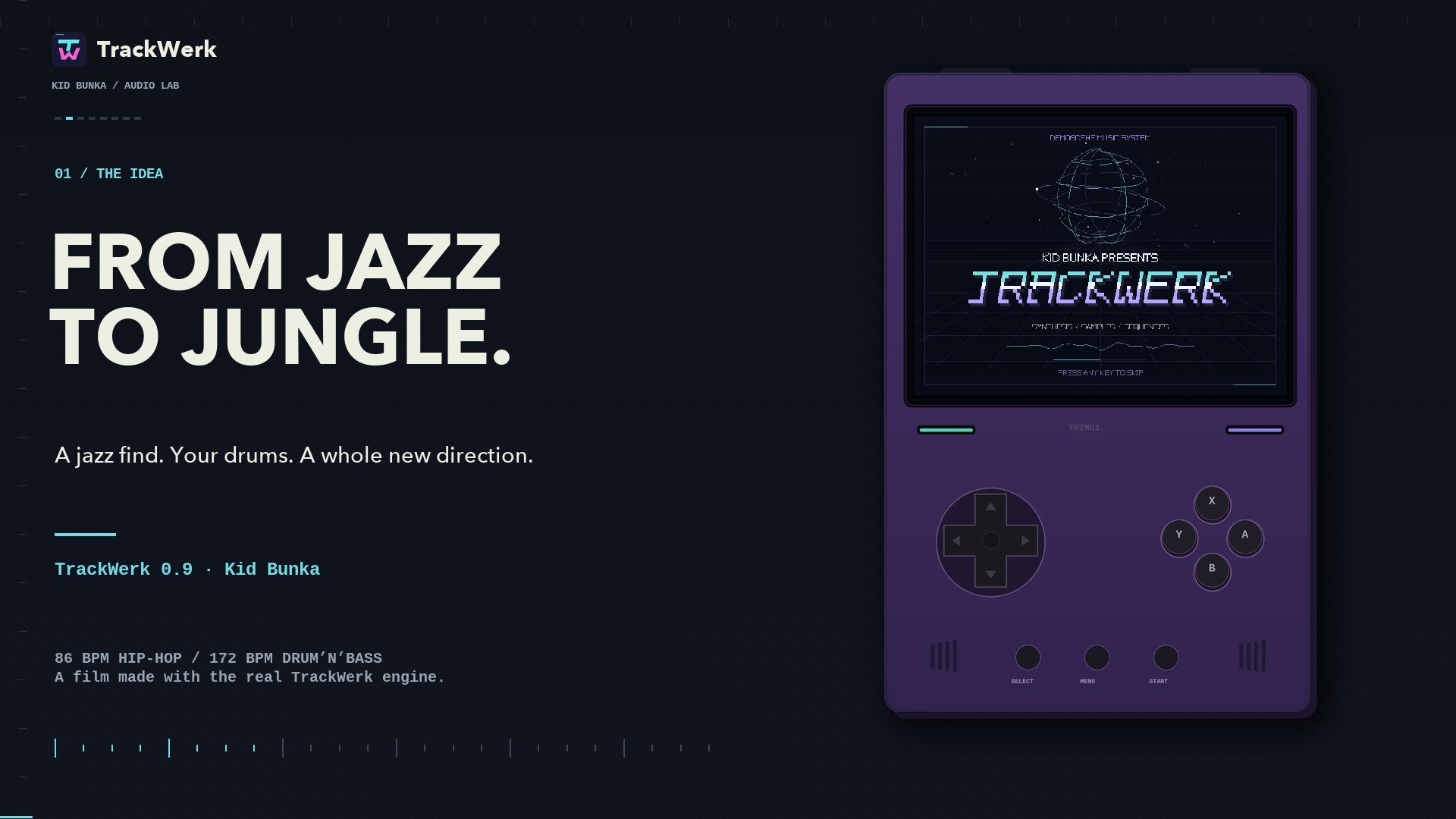
The 136-second TrackWerk session is ready for playback.
Archive source: “Modern Jazz Samba” · Kevin MacLeod (incompetech.com), CC BY 4.0. Music and adaptation credits ↗
Watch the full session on YouTube ↗ · Watch the YouTube Short ↗
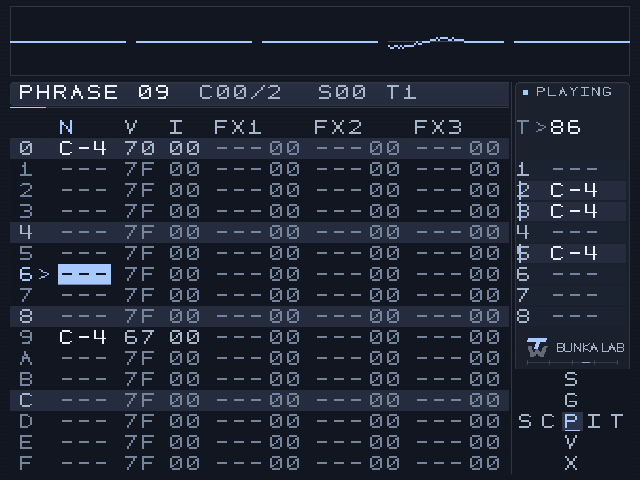
A complete jazz phrase, two newly programmed grooves. The session is edited for clarity; the clip’s gentle, pitch-preserving tempo preparation is described in the credits.
03 / The Studio
Keep the tracker at the center. Open a dedicated Studio when you want to design a voice, shape the mix or play an effect into the moment.
SYNTHESIS / PLAY IT WHILE YOU SHAPE IT
Explore Plaits, Braids, Rings, Elements, Clouds-derived granular models and additional Studio DSP voices. Engine-specific parameters keep the character of each family in view.
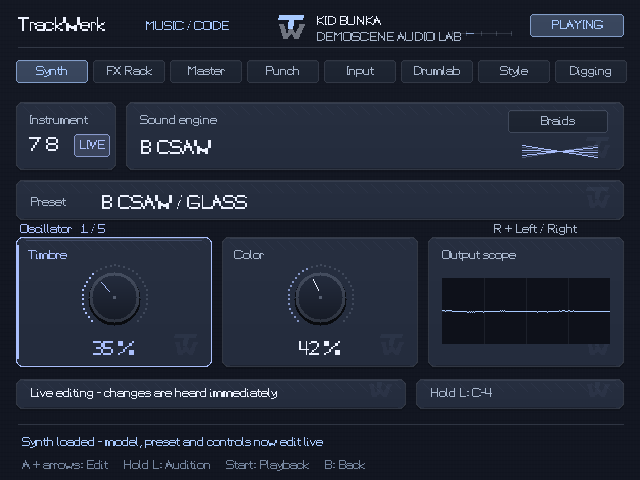
Choose from 2,048 categorized synth presets, including drums. Audition a sustained note, or edit a loaded synth while its sequence plays.
SAMPLES / SMALL DETAILS MATTER
Preview and seek through a long WAV from storage. Mark a region, save a new excerpt and open it for detailed slicing. The source stays intact.
Fine zoom, manual and transient slices, fades, normalization, declicking and undo help turn the cut into an instrument.
Work with a long recordingFull-source preview is separate from the RAM needed to edit an excerpt.
PERFORMANCE / HOLD THE MOMENT
Eight banks of eight momentary punch effects. Select a pad and hold A. Release to bring the mix back. Rhythm, Tape, Filter, Dub/Space, Cut/Glitch, Granular, Modulation and Damage.
Use the direct shortcut, perform a few gestures and capture your own output with internal resampling.
Learn the performance controlsMomentary effects are released on exit, stop or lost controller focus.
Assign 5–8 sounds. Set a style, density, variation, humanize, swing and fill. Generate a pattern, listen, then edit the resulting tracker phrases.
Rhythm, with a route back to the notes ↗64 reverbs, 64 delays, 96 Studio FX and 32 mastering presets. Categorized starting points for rooms, tape echoes, resonators, granular textures and controlled color.
Build a useful effect chain ↗Drive, dynamics, stereo width, high-pass filtering, output gain and peak ceiling. Refine the balance and render a mix or stems for the next stage.
Finish with intention ↗04 / Your screen, your pace
Choose one of 17 typefaces, 50 color palettes and 18 surface materials. Readable studio faces sit alongside broken raster lettering, terminal styles and demoscene textures.
The established button workflow remains. Your selected appearance, control mappings and existing project paths stay in place when using the matching update.
Find your setup05 / Get TrackWerk
TrackWerk 0.9 is a beta. Use the package for your platform, follow its first-start guide and keep a copy of your work before updating.
TrackWerk 0.9 beta is available. Choose the package for your platform and follow the field guide. Matching source and checksums accompany the release.
Android 8 or newer. ARM64, ARMv7 and x86_64 in one APK. Controller behavior and audio input still depend on the device.
First install & safe updates ↗The public TrackWerk APK has its own Android identity and installs alongside the earlier app. Keep the old app installed, export any app-private projects and media to a shared folder, then grant TrackWerk access to that folder. Settings and control bindings need their own setup. Separately supplied private compatibility updates remain a private route.
Read the Android migration steps ↗A native Linux build using the established standalone launcher. Your sample library stays in its existing data folder.
KNULLI, samples & first start ↗Mini uses local audio. Mini Plus adds supported Internet sources over Wi-Fi. The new long-WAV preview keeps full-file decoding out of the preview path.
Choose the right Miyoo build ↗Use the supplied program updater on Linux handhelds. Existing TrackWerk Android installs use matching signed updates; migration from an earlier app identity is a separate step. Keep Samples, Projects and Presets in place, and retain the old app until its internal data is exported. Existing Linux data folders remain for compatibility. Read the update route before copying files.
06 / An honest beta
The engine, workflows and update preservation have automated, emulator and constrained ARM checks. Earlier private builds were used on real handhelds. Final 0.9 device acceptance is ongoing.
See the full compatibility table ↗INDEPENDENT / OPEN SOURCE
TrackWerk is an independent Kid Bunka fork of PocketTracker. Original authors and contributors retain their credits. The application is GPL-3.0-or-later; component licenses and matching source accompany the release.